.png)
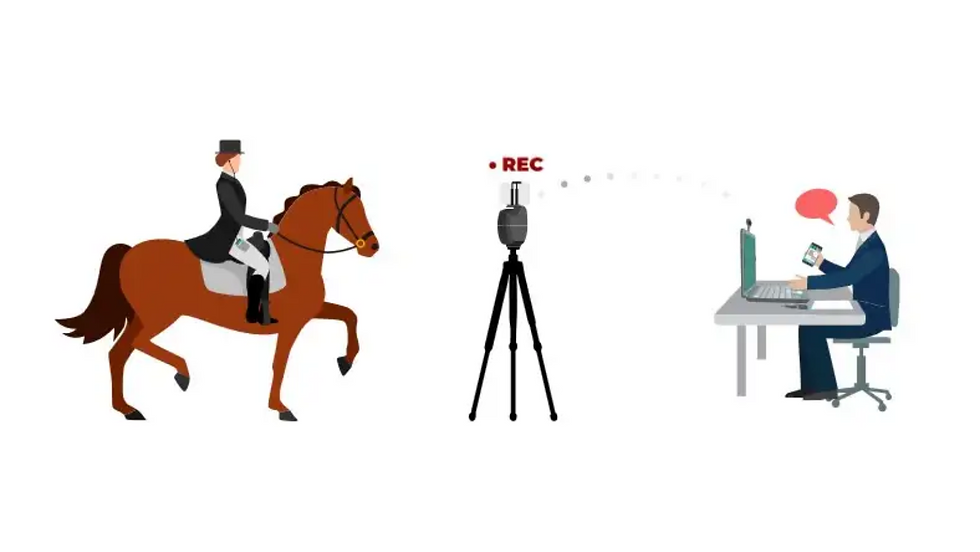
What do I need for remote live lesson with PIXEM2?
- Jennifer Lee
- Jan 9, 2024
- 1 min read
To make it simple, here is a list of what you’ll need:
1 PIXEM2 (includes a smartphone/tablet holder)
1 tripod
1 live lesson subscription purchased on MOVNSEE's website
A KIT of ceecoach + our special connexion cable if you decide to use them to talk with your coach during the lesson
If not, then another phone + headset… or nothing if you don’t want to hear your coach yelling at you ;-)
And of course your own smartphone/tablet with PIXEM2 app on it! You’ll need an internet connection by 4G or WIFI from your phone/tablet to be able to do live lesson.

How do I connect with my coach?
Your coach won’t need anything apart from a free account created on our website tv.movensee.com. Ask them for the nickname they entered while creating their account so that you can use it to call them after!
Then you’ll have to create your own account on that same website. After that just go on the PIXEM2 app, press LIVE LESSON. Then log into the account you have just created. The very first time, you’ll need to enter the requested subscription code you have received by email after purchasing a live lesson subscription.
Guess what? You are ready for your first live lesson!
Enter your coach nickname, press call…
Your coach should press accept on the widget appearing on their screen and that’s it!
You are ready for your live lesson! (Good luck!)

Comments